From fridge to table in four steps.
Set it up once. After that, deciding what's for dinner takes about as long as opening the app.

-
1Set up your household
Tell it who you feed.
Add everyone at your table, including kids who don't need their own login, with what they like, what they don't and any allergies. Invite another adult to share the household.

-
2Add what's in your kitchen
Start from what you have.
Add what's in your pantry, fridge and freezer. When you cook, the app takes what you used off the list.

-
3Pick who's eating
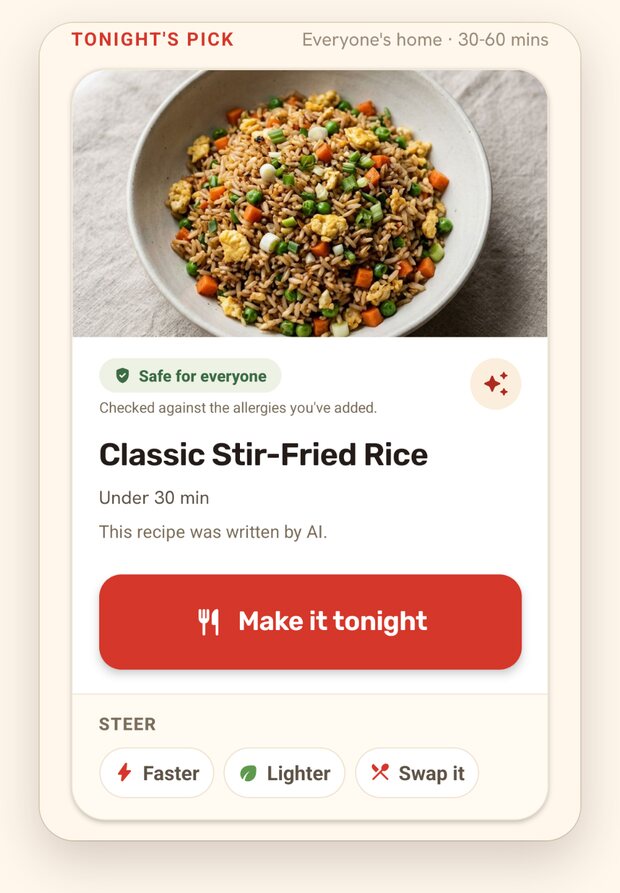
Tonight's pick fits tonight's table.
Choose who's home, guests included. Tonight's pick fits the people eating, and you can steer it faster, lighter, or swap it for something else.

-
4Cook the dinner it suggests
One step at a time.
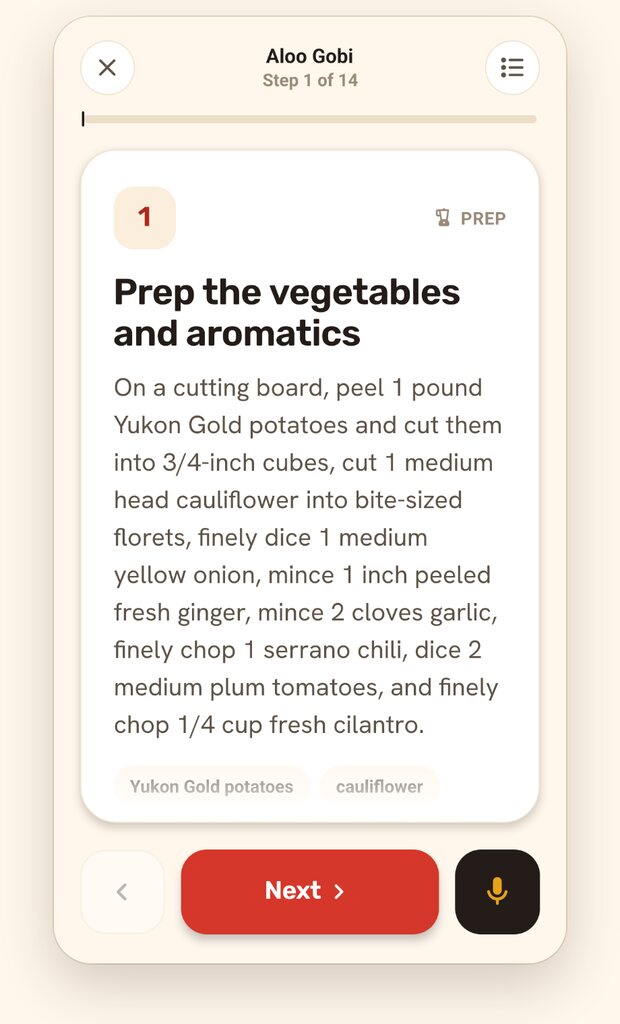
Tap Make it tonight and cook mode walks you through every step, with quantities spelled out. Rate it afterwards.

Plan the week. Shop once.
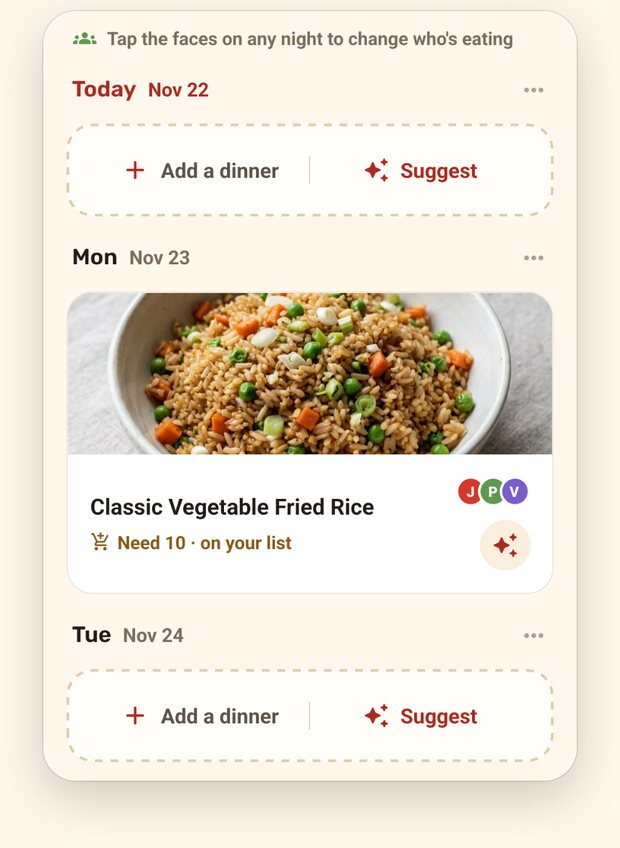
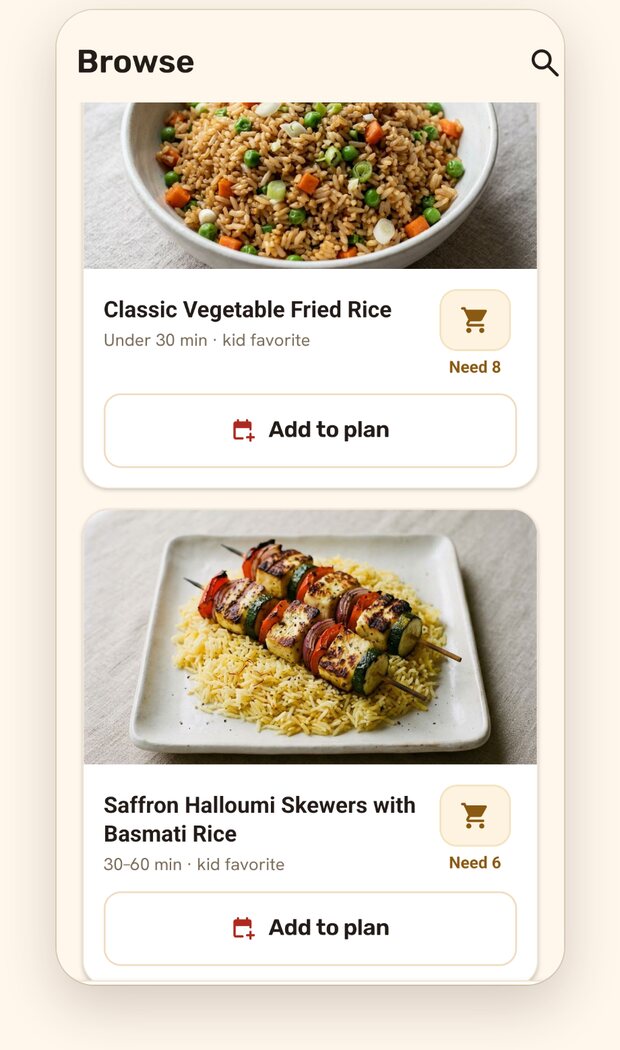
Line up the nights ahead, change who's eating any night, and the ingredients you're missing go on one shopping list.
About allergies. We check every dish against the allergies you've added. It's a helpful check, not a guarantee, so always read labels. Our Consumer Health Data Privacy Policy explains how we handle this information.
Help shape Simply Satisfied.
Free during the beta, on iPhone and Android. Signing up takes about 2 minutes.